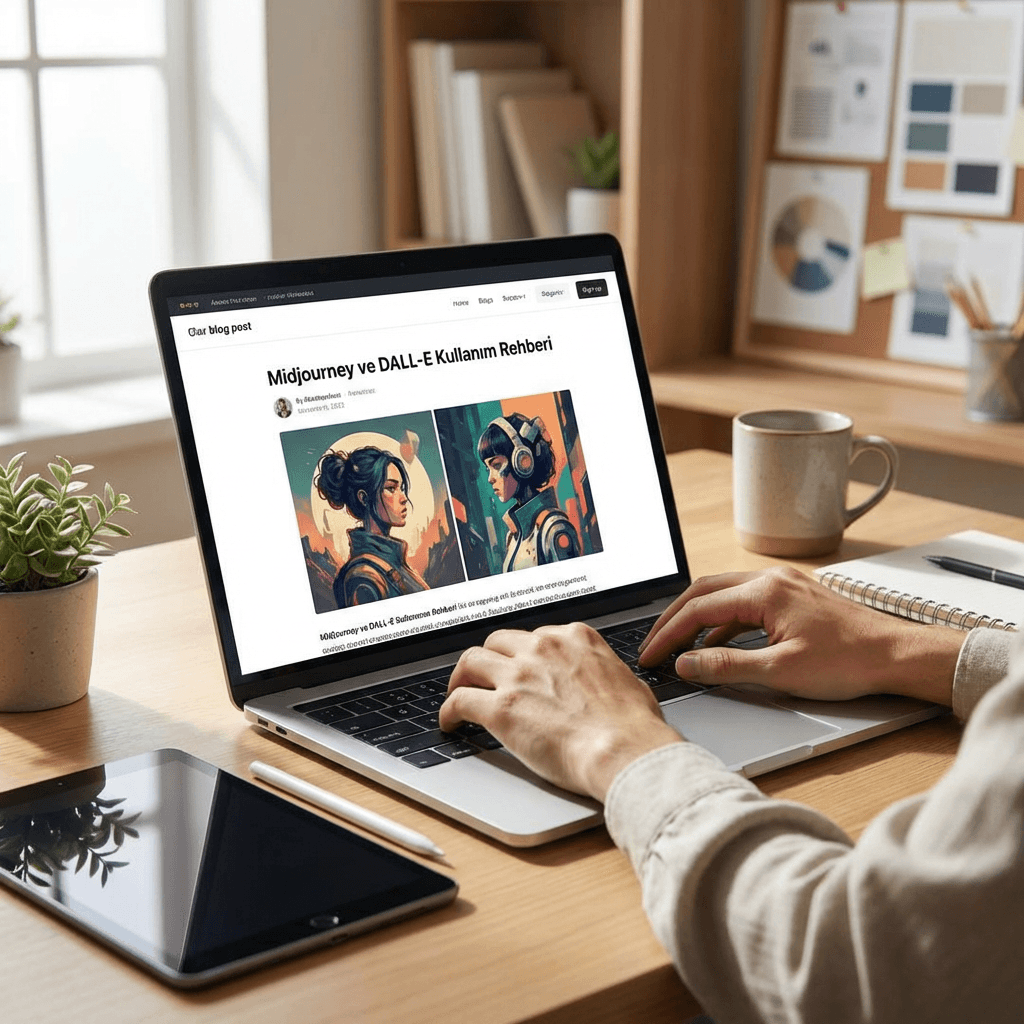
Midjourney and DALL-E Usage Guide: AI Image Generation Beginner's Manual
Artificial intelligence-powered image generation tools have revolutionized the digital art and design world. Midjourney and DALL-E stand out as two leading platforms in this field, enabling users to create stunning visuals using only text commands. This comprehensive guide will explore the usage methods, tips, and best practices for both platforms in detail.
AI image generation accelerates your creative processes while delivering professional-quality results. Whether you're a graphic designer, marketing specialist, or someone interested in creative hobbies, this guide will help you master both platforms.
What is Midjourney and How Does It Work?
Midjourney is a Discord-based AI image generation platform. Launched in 2022, this tool excels particularly in producing artistic and creative visuals. The platform allows users to create images by sending text commands (prompts) through its Discord server.
Midjourney's main advantages include high-quality artistic outputs, powerful style controls, and active community support. The platform is ideal for concept art, digital illustration, and creative projects.
Getting Started with Midjourney
To begin using Midjourney, you first need a Discord account. Then join Midjourney's official Discord server to interact with the bot. You can start with the free trial and choose a paid plan based on your needs.
The basic command structure is /imagine prompt: [your description]. For example, /imagine prompt: a mystical forest with glowing mushrooms, digital art style will generate a magical forest image.
DALL-E Usage Guide and Features
DALL-E is an AI image generation system developed by OpenAI that integrates with ChatGPT. DALL-E 3, the latest version, offers superior text understanding capabilities and a user-friendly interface.
DALL-E's strengths include natural language processing capacity, safety filters, and ChatGPT integration. The platform excels at producing clear, realistic images and photographs.
Image Creation Process with DALL-E
Using DALL-E is straightforward. You can access DALL-E 3 with a ChatGPT Plus subscription or use the platform directly through OpenAI's website. Simply describe your desired image using natural language in your prompt.
Example usage: "Create a professional portrait of a business woman in a modern office, natural lighting, corporate style" - clear and specific descriptions work best with DALL-E.
Platform Comparison: Midjourney vs DALL-E
Both platforms have unique advantages. Midjourney excels in artistic and creative visuals, while DALL-E stands out in producing realistic and technically accurate images.
Midjourney offers community interaction through its Discord-based model, while DALL-E provides a more user-friendly web interface. Both platforms offer different pricing options suitable for various use cases.
Advanced Techniques and Tips
Mastering both platforms requires developing prompt engineering skills. Experiment with different style references, technical parameters, and creative approaches to develop your unique prompting style.
Avoid common mistakes like writing overly general prompts, forgetting style indicators, and ignoring platform-specific features. Practice regularly and utilize community resources to improve your skills.